Here’s a number that stopped me in my tracks when I first read it: the vast majority of hacked accounts didn’t involve any fancy hacking at all. Someone just had the password. That’s it. No zero-days, no Hollywood stuff — just a stolen password and an account with nothing else guarding it.
That’s the whole argument for two-factor authentication in one paragraph. It’s the second lock on the door. And unlike most security advice, this one takes about ten minutes to set up and you barely think about it again.
So what is two-factor authentication, exactly?
The idea is simple: instead of proving who you are with one thing (your password), you prove it with two different kinds of things. Security people call these “factors.” Something you know — your password. Plus something you have — your phone. Or something you are — your fingerprint.
Your bank card works the same way, by the way. The card is something you have; the PIN is something you know. Lose the card and a stranger still can’t use it without the PIN. 2FA just brings that logic to your online accounts.
How it works in real life
You log in like normal — email and password. Then, before you’re let in, the site asks for a second proof. Usually it’s a six-digit code from an app on your phone. You type it in, and you’re done. The code changes every 30 seconds, so even if someone peeks at it, it’s useless a minute later.
The whole thing adds maybe ten seconds to logging in. After the first week you stop noticing it. What you will notice is never getting one of those “someone signed into your account” emails again.
Why your password alone isn’t cutting it anymore
Passwords leak. Constantly. Big breaches, small breaches, phishing emails that looked exactly like the real thing, malware quietly logging keystrokes — your credentials are probably floating around in some database right now. Mine certainly have been.
Then comes the automated part: criminals feed millions of stolen email-password pairs into software that tries them on every major site. It’s called credential stuffing, and it never sleeps. Without a second factor, one leaked password is a skeleton key. With 2FA? That stolen password is basically worthless to them. The big tech companies’ own data keeps saying the same thing: two-factor authentication blocks nearly all of these automated attacks.
Pick your second factor (they’re not all equal)
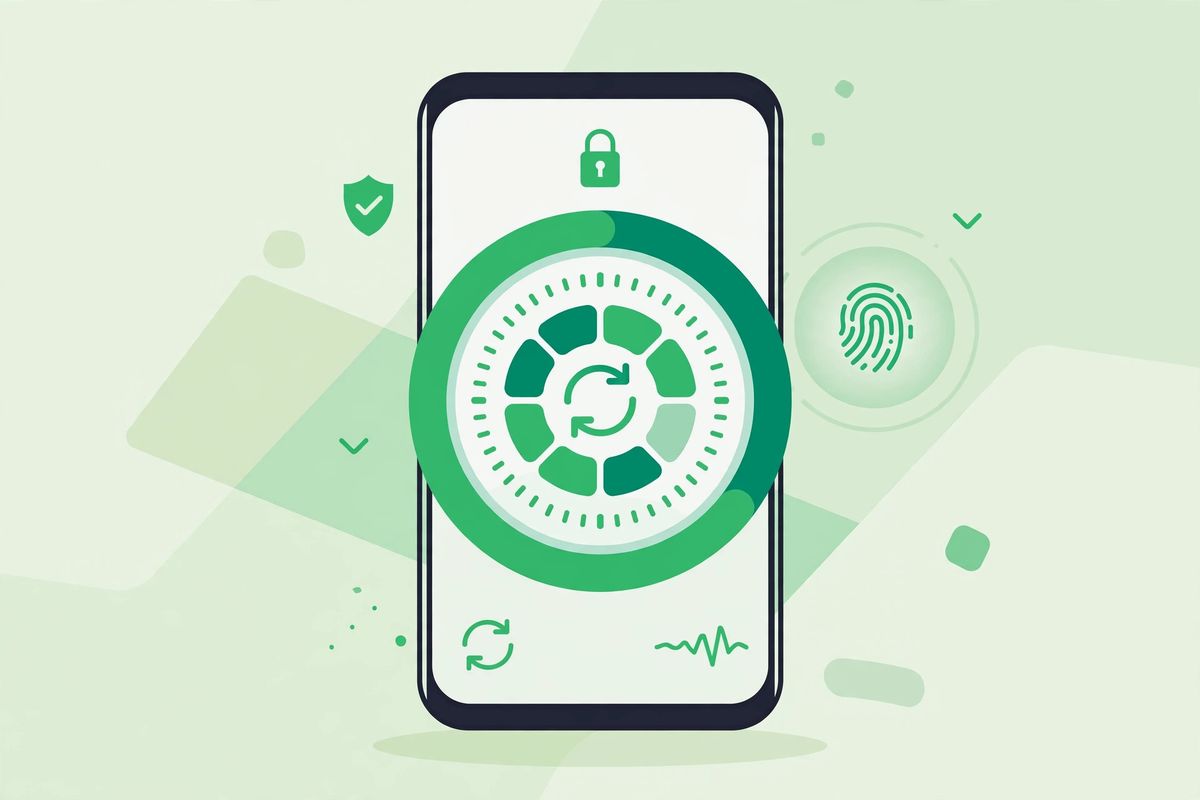
You’ve got options — and honestly, the best one is the one you’ll actually use. But here’s the honest ranking:
Authenticator apps are the sweet spot for most people. Google Authenticator, Microsoft Authenticator, Authy — they generate codes right on your phone, work without cell signal, and can’t be intercepted in transit. Free, and setup takes about two minutes.
Text message codes are the most common and the weakest. Better than nothing — genuinely — but SIM-swapping attacks, where a scammer convinces your carrier to move your number to their phone, can intercept them. Use SMS only if a site offers nothing better.
Hardware security keys, like a YubiKey, are the gold standard. A little USB key you tap to log in. Resistant to phishing. If your email and bank support them, they’re worth the small cost.
Fingerprints and face unlock sit somewhere in the middle — super convenient on phones, and good enough as a second factor for most accounts.
My suggestion? Start with an authenticator app everywhere. Upgrade your email and bank to a security key whenever you feel like it.
Setting it up (it’s easier than you think)
Start with your email. I keep repeating this because your email can reset the password of nearly everything else you own — it’s the account that protects all the other accounts.
Open your email’s security settings, look for “2-Step Verification” or “Two-Factor Authentication,” and follow the prompts. You’ll scan a QR code with your authenticator app, enter one test code, and you’re done. Then your bank. Then social media. Then cloud storage. One at a time, maybe five minutes each. Put on a podcast and knock them all out in one sitting.
Don’t skip the backup codes — seriously
During setup, every service hands you a set of one-time backup codes. This is the step everyone skips. Don’t be everyone. Print them and put them in a drawer, or save them in your password manager.
Here’s why: phones get lost, dropped in toilets, replaced. If your authenticator app lives only on a phone you no longer have, and you have no backup codes, you’re in for a miserable account recovery process. A friend of mine went through this with his Instagram. Okay — it was me. It was my Instagram.
Mistakes that undo the whole thing
A few traps to dodge: using SMS codes for your bank when the bank offers app-based codes — take the stronger option where it counts. Sharing your 2FA codes with anyone, ever — real support staff will never ask for them, and anyone who does is running a scam. Ignoring the backup codes (see above; learn from my pain). And the classic: getting a new phone and wiping the old one before moving your authenticator app over. Transfer first, wipe second. Write it on your hand if you have to.
Conclusion
Of all the security advice on the internet, this is the highest-value ten minutes you’ll ever spend. Passwords leak — that’s just the world we live in now. A second factor means the leak doesn’t matter. Start with your email tonight. Future you will be very glad you did.
Frequently Asked Questions
What is two-factor authentication in simple words?
It’s a second lock on your account. After your password, the site asks for one more proof — usually a code from your phone. Even if someone steals your password, they can’t get in without that second factor. Ten seconds of effort, massive protection.
Which two-factor method is the most secure?
Hardware security keys (like YubiKey) are the strongest — they’re resistant to phishing. After that come authenticator apps, then SMS codes. For most people, an authenticator app is the sweet spot: free, secure, and works without cell signal.
What happens if I lose my phone with my authenticator app?
That’s what backup codes are for — the one-time codes every service gives you during 2FA setup. Save them somewhere safe (printed, or in your password manager) and you can get back in. Without them, recovery is slow and painful, so don’t skip this step.
Is SMS verification safe enough?
It’s better than nothing, but it’s the weakest 2FA method — SIM-swapping attacks can intercept text codes. Use an authenticator app instead wherever a site offers it, and reserve SMS for accounts with no better option.
Do I still need 2FA if my password is strong?
Yes. Strong passwords still leak through breaches and phishing, and attackers automate login attempts at scale. 2FA means a stolen password alone is useless. It’s the highest-value security upgrade you can make — start with your email.

