
I’ll be honest with you: for years, my “system” was one password with a different number at the end. Email? Summer1987!. Netflix? Summer1987!2. Bank? Don’t ask. It felt clever at the time. It was not clever.
What changed my mind was watching it happen to someone I know. A friend’s old forum account got breached — one of those breaches you read about and ignore — and because he’d reused that password on his email, someone walked right into his Gmail. From there they reset everything. It took him weeks to clean up. No hacking genius required. Just a leaked password and a reused one.
And here’s the part nobody talks about: the problem was never laziness. A password like “X7#qL9!mZ2@” is genuinely unmemorable for a human brain, so of course we fall back to pet names and birthdays. The fix isn’t trying harder. It’s learning how to create a strong password you can actually remember — a method built for how memory really works.
Why strong passwords still matter in 2026
Breaches keep getting bigger, not smaller. When some website you signed up for years ago gets hacked, your email and password end up in a database that gets passed around. Then attackers do the obvious thing: they try that combo on Gmail, banks, Instagram, everything. It’s called credential stuffing, and it’s fully automated — software hammering thousands of logins a minute.
One reused password is all it takes to connect those dots. A unique, strong password for every important account is still the best defense you personally control. Not the only one — we’ll get to that — but the foundation everything else sits on.
What actually makes a password strong
Two things: length and unpredictability. And length matters more than people think. A long password made of ordinary words will outlast a short one packed with symbols every single time. Cracking tools chew through 8 characters in minutes. Twenty characters? Centuries.
Weak passwords all rhyme with each other: dictionary words, names, dates, “qwerty” keyboard walks, and the old “p@ssw0rd” trick that every attacker dictionary already contains. If a human could guess it, software definitely will.
The passphrase trick (this is the good part)
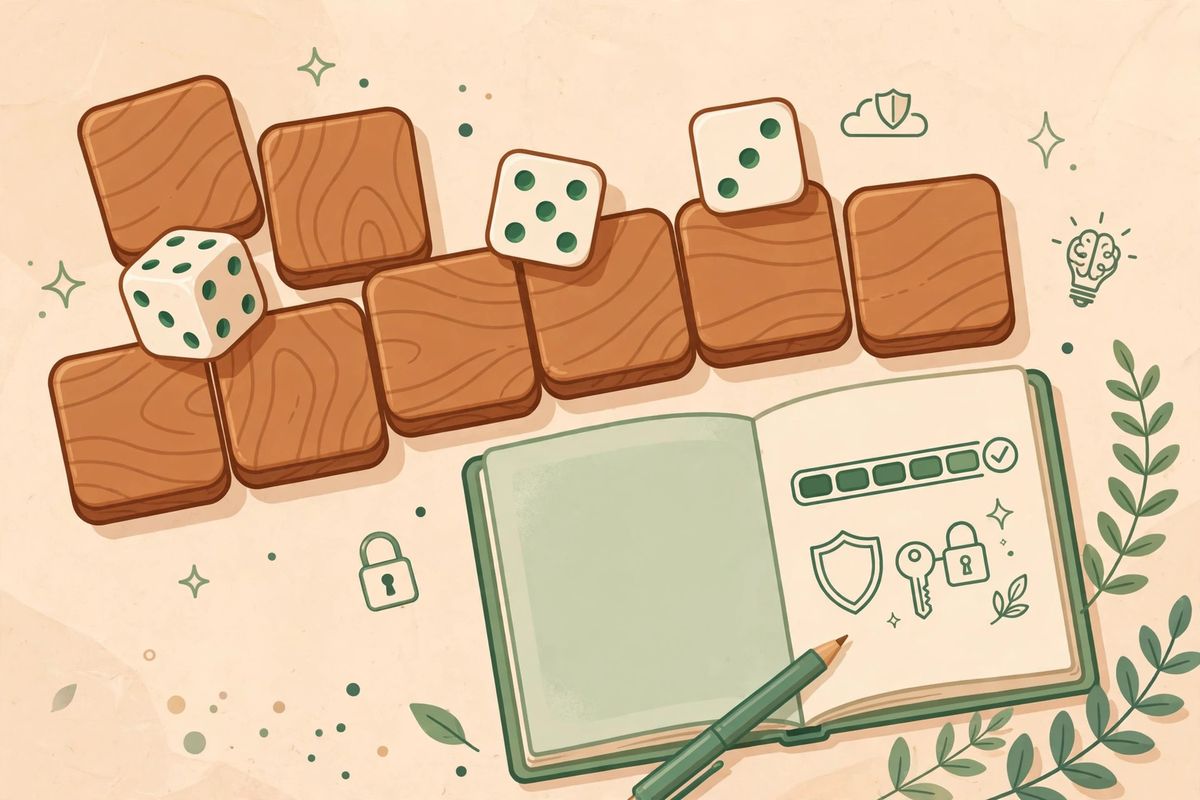
Instead of one mangled word, use four or five random words in a row. Like “correct horse battery staple” — the famous example. Looks silly. Is brutally hard to crack. And here’s why your brain likes it: it reads like a tiny weird sentence. You can picture it. Now try picturing “X7#qL9!mZ2@”. Exactly.
Security folks have recommended passphrases for years because they solve both problems at once: massive guessing difficulty for computers, easy recall for humans. Length does the heavy lifting; your memory just goes along for the ride.
Building yours in about two minutes
Pick four or five words with nothing to do with each other. Truly random is best — flip through a book and point, or use a dice word list if you want to do it properly. Then add one personal twist: capitalize the second word, or drop a number between two words. Just skip song lyrics and famous quotes — attackers try those first. Always.
Then test it: type it from memory three times. If you can, it’s yours. If you stumble, swap a word and try again. Two minutes now, and you never live the sticky-note life again.
The upgrade that makes this effortless: a password manager
Honest truth? Even great passphrases get hard to juggle across forty accounts. That’s what password managers are for. Something like Bitwarden (free, excellent) or 1Password generates a unique random password for every site and locks them all behind one master passphrase — built with the method above — that you actually memorize.
After that, you barely type passwords at all. Your browser fills them in. This is what most security professionals really do, by the way. Not sticky notes. Not memory palaces. A manager plus one strong master passphrase.
Mistakes I see constantly
Reusing your email password anywhere else — your email is the master key to your entire digital life, so treat it that way. Sharing passwords over chat or email, even with people you trust; messages get forwarded and screenshots live forever. And those “security questions”? Your mother’s maiden name was never a secret. Treat them as bonus passwords: answer with random text and store it in your manager.
One more: stop changing passwords on a fixed schedule for no reason. It just trains people to pick weaker ones each time. Change them when there’s an actual breach — and make the new one unique.
If your password leaks anyway
It happens. If a breach notification lands in your inbox, or you spot your email on a leak-checking site, move fast: change that password immediately, then change it everywhere you reused it. (You didn’t reuse it, right?) Turn on two-factor authentication for the account — that alone stops most takeovers cold. Expect phishing emails afterward, because breaches are almost always followed by fake “reset your password” messages. And skim your account’s recent login activity for anything you don’t recognize.
Conclusion
You don’t need a superhuman memory. You need a passphrase — long, random, weird enough to picture — and ideally a password manager holding everything else. Start with one account today. Make it your email; that’s the one that matters most. Do that, and you’re already ahead of most of the internet.
Frequently Asked Questions
What is the easiest way to create a strong password I can remember?
Use the passphrase method: string together four or five random, unrelated words, like “correct horse battery staple,” and add one personal twist such as capitalizing a word. It’s long enough to resist cracking but reads like a tiny sentence your brain can actually picture and recall.
How long should a strong password be?
Aim for at least 16 characters, and longer is better — length beats complexity. A 20-character passphrase of ordinary words is far stronger than an 8-character jumble of symbols, and it’s much easier to remember too.
Is it safe to write my passwords down?
A written password locked in a drawer at home is safer than a weak password you reuse everywhere — but a password manager is better than both. It encrypts everything and you only memorize one strong master passphrase. That’s the setup I’d recommend.
Should I use a different password for every account?
Yes — at minimum, every important account (email, banking, social media) needs its own unique password. That’s exactly what credential-stuffing attacks exploit: one leaked password tried everywhere. A password manager makes unique passwords effortless.
How often should I change my passwords?
Only when there’s a reason — like a breach notification involving a site you use. Scheduled password changes just push people toward weaker, predictable passwords. Change on evidence, not on a calendar, and always make the new one unique.

