

Free Wi-Fi feels like a gift. You’re at the airport, the coffee shop, the hotel lobby — and there’s the network, open and waiting. I used to connect to anything with a signal and think nothing of it. Then a security researcher friend showed me, in about ninety seconds, how much of my browsing he could see from across the room. That cured me.
So is public Wi-Fi safe? The honest answer is: it’s safer than it used to be, but it’s still a place where you should know the risks. Here’s what’s actually dangerous, what’s overblown, and how to protect yourself without becoming paranoid.
What’s actually dangerous about public WiFi
A public hotspot is a shared network. Everyone connected — you, the tourist next to you, and potentially someone running snooping software — is on the same local network. On poorly configured networks, that means your device is visible to strangers, and some of your traffic can be intercepted.
The good news: most websites now use HTTPS, which encrypts your connection to each site. Your bank login on a proper HTTPS page isn’t readable by the person at the next table. The bad news: not everything is encrypted. DNS requests (which reveal which sites you visit), older apps, and captive portal pages can still leak. And the biggest danger isn’t passive snooping — it’s active attacks.
The attacks you should know about
The evil twin is the classic: an attacker sets up a hotspot called “CoffeeShop_FreeWiFi” right next to the real “CoffeeShop WiFi.” You connect to the wrong one, and now all your traffic flows through their laptop. They can see unencrypted traffic, redirect you to fake login pages, and inject malware downloads.
Then there’s the compromised legitimate network. Hotel and airport WiFi hardware gets hacked more often than you’d think. You connect to the real network, but the router itself is serving malicious ads or redirecting you.
And don’t forget the humble captive portal — that “sign in to use WiFi” page. Legit ones just want your email for marketing. Fake ones harvest credentials or install profiles on your phone. If a portal asks for anything beyond an email or a room number, be suspicious.
7 ways to stay safe on any hotspot
You don’t need to avoid public WiFi entirely. You need habits:
- Verify the network name with staff before connecting. “Free_Airport_WiFi_5G” is not the airport’s network.
- Turn off auto-join so your phone doesn’t silently connect to familiar-sounding networks.
- Stick to HTTPS sites — look for the padlock, and consider your browser’s HTTPS-only mode.
- Use a VPN. This is the single most effective step: it encrypts everything between your device and the VPN server, so local snoopers see nothing but noise.
- Turn off file sharing and AirDrop visibility while on public networks.
- Avoid banking and sensitive logins on open WiFi when you can wait — or use your phone’s mobile data instead.
- “Forget” the network when you leave so you don’t auto-connect next time you walk past.
Use a VPN
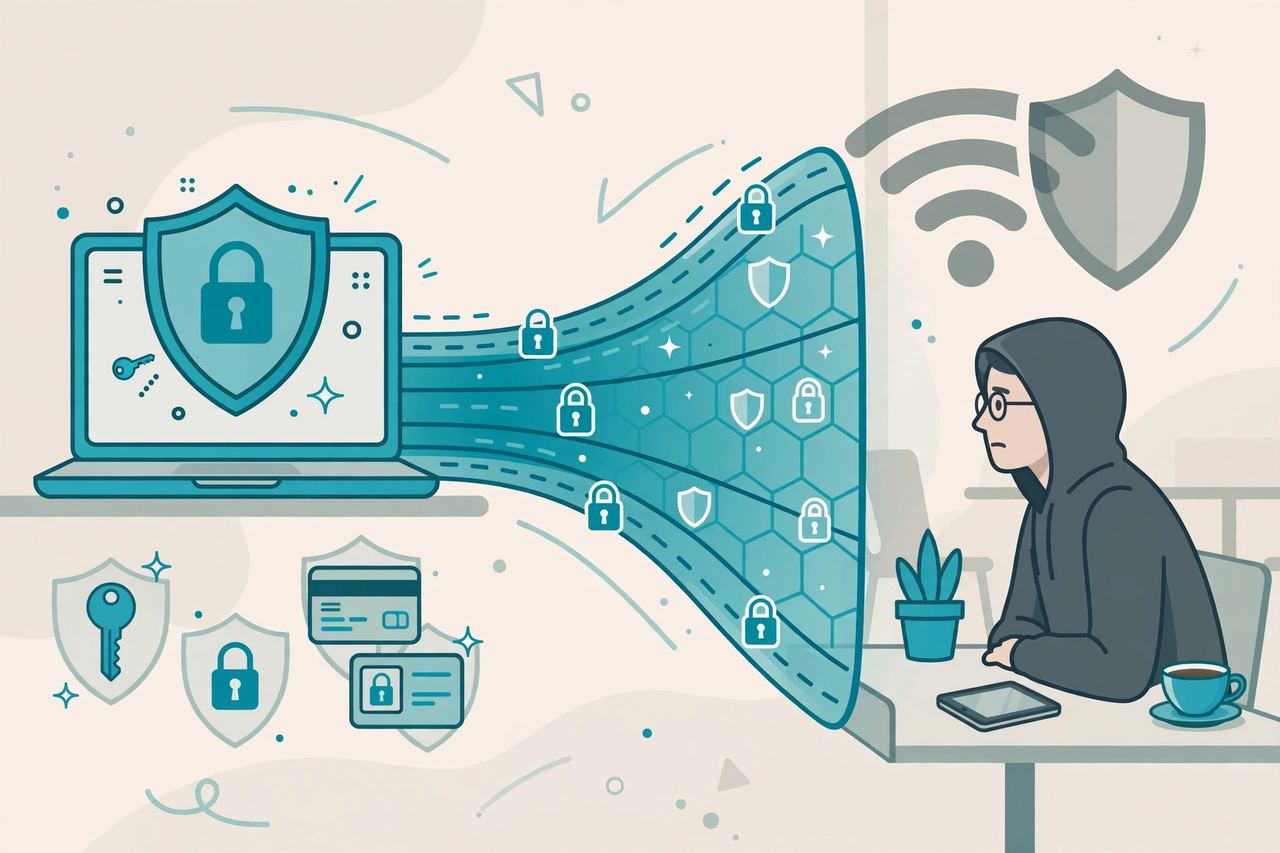
A VPN (virtual private network) wraps all your internet traffic in encryption before it leaves your device. On a hostile hotspot, that’s the difference between broadcasting and whispering. Pick a reputable paid VPN — free VPNs often make money from your data, which defeats the purpose. Turn it on before you connect to the WiFi, not after. One tap, and the biggest public-WiFi risks mostly disappear.
When it’s fine vs when to avoid it
Reading the news, watching YouTube, scrolling social media on public WiFi with a VPN on? Fine. Logging into your bank, doing work email with sensitive attachments, or entering card details on an open network without protection? Wait until you’re on mobile data or home WiFi.
A good rule of thumb: if losing the data would ruin your week, don’t send it over a network you don’t trust. Your phone’s hotspot is almost always the safer choice for sensitive stuff — mobile data is encrypted between you and your carrier.
Conclusion
Public Wi-Fi isn’t the digital death trap some headlines make it out to be, but it’s not harmless either. The risks are real — evil twins, snooping, shady portals — and the fixes are simple: verify the network, use a VPN, keep sharing off, and save sensitive tasks for trusted connections. Do that, and you can enjoy the free WiFi without handing your data to whoever’s listening.
Frequently Asked Questions
Is public Wi-Fi safe in 2026?
Safer than it used to be, thanks to widespread HTTPS encryption, but not fully safe. Risks remain from evil-twin hotspots, compromised routers, and data leaks through DNS and captive portals. With a VPN and basic habits, you can use public WiFi with reasonable confidence.
Can someone steal my passwords on public WiFi?
Only if you enter them on an unencrypted page or a fake phishing page served by a malicious hotspot. Logins on legitimate HTTPS sites are encrypted end-to-end. A password manager adds protection because it refuses to autofill on fake domains.
Should I use a VPN on public WiFi?
Yes — it’s the single most effective protection. A VPN encrypts all your traffic, hiding it from anyone snooping on the local network. Choose a reputable paid VPN; free ones often monetize your data.
Is it safe to do banking on public WiFi?
Avoid it when possible. Bank apps and sites use encryption, but on an untrusted network there’s still risk from fake portals and compromised hardware. Use your mobile data or a VPN for anything financial.
What’s an evil twin WiFi attack?
An attacker creates a hotspot with a name nearly identical to a legitimate one (like “CoffeShop_WiFi”). When you connect, your traffic routes through their device, letting them snoop, redirect you to fake sites, or steal credentials entered on unencrypted pages. Always confirm the exact network name with staff.

