
Last year a friend of mine woke up to 40 messages from followers asking why she was selling crypto. She wasn’t — someone had taken over her Instagram overnight, changed the email, and locked her out. It took her three weeks and a mountain of forms to get it back. The worst part? The hack was completely preventable.
Instagram accounts are valuable. Even a small account can be sold, used for scams, or held for ransom. Hackers aren’t picking you specifically — they’re running automated attacks against everyone. Here’s how to secure your Instagram account so you’re not the easy target.
How Instagram accounts actually get hacked
Let’s kill a myth: hackers don’t “break into Instagram.” They steal your login. The most common ways are phishing (fake login pages and DMs), credential stuffing (trying passwords leaked from other breaches), SIM swapping (hijacking your phone number to intercept SMS codes), and shady third-party apps you gave your password to years ago.
Notice the pattern — almost every method needs you to make one small mistake. That’s actually good news, because it means a few deliberate steps make you dramatically harder to hack than the average account.
Step 1: Use a strong, unique password
I know, you’ve heard it a thousand times. But most hacked accounts I hear about were using a password from 2019 that also leaked from some other site. Your Instagram password must be unique — used nowhere else — and long. A passphrase of four random words beats a short jumble of symbols every time.
Use a password manager to generate and store it. And never, ever type your Instagram password into a site or app that isn’t Instagram itself. That’s the single most common way accounts get stolen.
Step 2: Turn on two-factor authentication
This is the big one. Two-factor authentication means that even if someone steals your password, they still can’t log in without a second code. On Instagram: go to Settings, then Accounts Center, then Password and security, then Two-factor authentication, and turn it on.
Choose an authentication app (like Google Authenticator or Authy) over SMS if you can — SMS codes can be intercepted through SIM swapping. And save your backup codes somewhere safe. They’re your lifeline if you lose your phone. This one setting blocks the vast majority of takeover attempts cold.
Step 3: Clean up connected apps and sessions
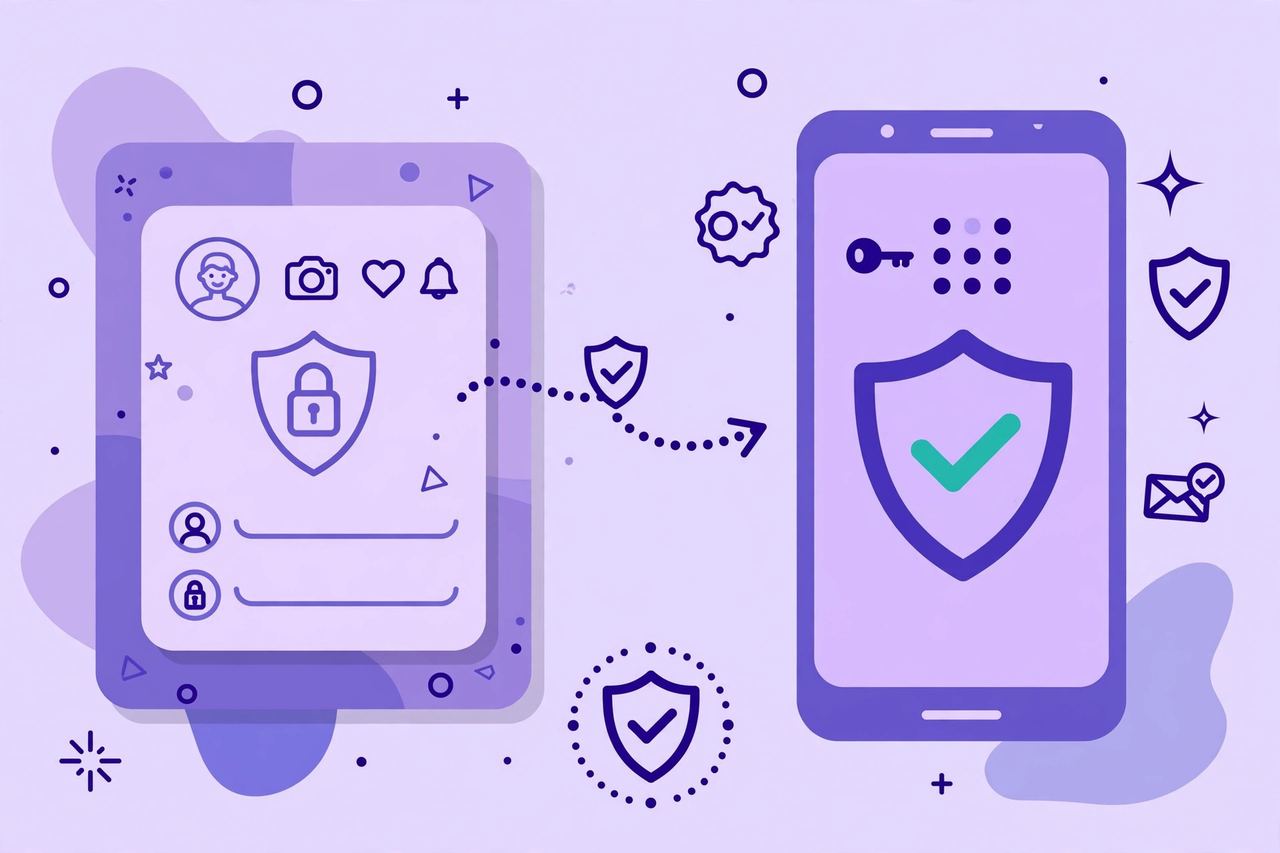
Over the years you’ve probably granted Instagram access to random quiz apps, follower trackers, and scheduling tools. Some of those are data harvesters or worse. Go to Settings, then Website permissions, then Apps and websites, and remove everything you don’t actively use.
While you’re there, check “Where you’re logged in” under Password and security. If you see devices or locations you don’t recognize, log them out immediately and change your password. Do this check every few months — it takes two minutes.
Step 4: Learn the phishing traps
Instagram phishing has its own greatest hits. The fake “copyright violation” DM or email threatening to delete your account — Instagram doesn’t send those. The “get verified / blue badge” application that asks for your login. The “is this you in this photo?” DM from a friend’s hacked account with a link. The brand collaboration offer that needs you to “log in to confirm.”
The rule is simple: Instagram will never ask for your password by email or DM, and you should never log in through a link someone sent you. Open the app yourself. Every time.
Step 5: Secure your email too
Here’s the part people forget: your email is the master key. Anyone who controls your email can reset your Instagram password through “forgot password.” So your email needs the same treatment — a strong unique password and two-factor authentication. If your Instagram is Fort Knox but your email is a tent, the tent is what matters.
What to do if you’re already hacked
Act fast. First, try Instagram’s account recovery at the login screen — use “Forgot password” with your username, email, or phone number. If the hacker changed your email, use the “Need more help?” option and follow the identity verification steps (you may need to submit a photo of yourself holding a code).
Check your email for Instagram’s security notifications — there’s often a “this wasn’t me, revert this change” link that works for a short window. Warn your followers with a Story or post from a backup account so nobody falls for scams sent from your profile. And once you’re back in, do every step in this guide immediately — most re-hacks happen because the same weakness is still there.
Conclusion
Securing your Instagram account isn’t complicated — it’s five steps and about fifteen minutes. Strong unique password, two-factor authentication with an app, clean up connected apps, learn the phishing traps, and lock down your email. Do it today, not after the hack. Future you, the one who never has to explain crypto scams to their followers, says thanks.
Frequently Asked Questions
Can someone hack my Instagram if I have two-factor authentication on?
It’s much, much harder. App-based 2FA blocks the vast majority of takeover attempts even if your password leaks. SMS-based 2FA is weaker because of SIM-swapping, but it’s still far better than nothing. No security is perfect, but 2FA moves you from “easy target” to “not worth the effort.”
How do I know if my Instagram has been hacked?
Warning signs: you can’t log in, your email or phone number was changed, posts or DMs you didn’t send appear, you get login alerts from unknown locations, or followers tell you about strange messages from your account. Check Settings then “Where you’re logged in” for unfamiliar devices.
What should I do if I clicked a phishing link for Instagram?
Don’t enter anything else and close the page. If you typed your password, change it immediately through the real Instagram app — not through any link. Turn on two-factor authentication, revoke suspicious connected apps, and scan your device for malware if you downloaded anything.
Are third-party Instagram apps safe?
Most are unnecessary and some are dangerous. Follower trackers, “who viewed my profile” apps, and growth services often harvest your login or violate Instagram’s rules, which can get your account restricted. Only keep apps you genuinely need from reputable developers, and remove the rest.
How can I recover a hacked Instagram account?
Start with “Forgot password” on the login screen using your username, email, or phone. If the hacker changed your contact details, use the “Need more help?” identity verification flow. Check your email quickly for Instagram’s “revert this change” security links, and report the hack through Instagram’s help center if self-recovery fails.