
I’ll be honest: the first phishing email I ever fell for looked completely legit. It said my package couldn’t be delivered and I needed to “confirm my address.” I clicked, typed my details, and only realized what I’d done when my browser flagged the site as dangerous. Nothing terrible happened — I changed my passwords in a panic — but that cold-sweat feeling stuck with me.
Here’s the thing about phishing: it doesn’t attack your computer. It attacks you. Your trust, your urgency, your distraction at 11 PM when a scary message pops up. And it works on smart people every single day. This guide explains what phishing actually is, the forms it takes in 2026, and how to spot a phish before it costs you.
What phishing actually is
Phishing is a scam where someone pretends to be a company, person, or service you trust — your bank, your delivery service, your boss, even a friend — to trick you into handing over passwords, card numbers, or access to your accounts. The name comes from “fishing”: throwing out bait and waiting for someone to bite.
The classic version is an email, but that’s just one flavor. The goal is always the same — get you to click a link, open a file, or reply with sensitive information — and the method is always psychology, not technology. They create urgency (“your account will be suspended in 24 hours”), fear (“unauthorized login detected”), or greed (“you’ve won a refund”) so you act before you think.
The main types of phishing you’ll run into
Email phishing is the big one: mass-sent fake messages pretending to be banks, streaming services, or delivery companies. You’ve seen them — “Your Netflix payment failed” with a link to a lookalike login page.
Then there’s smishing — phishing by SMS. “USPS: your package is held, click here.” These are everywhere now because we instinctively trust texts more than emails.
Vishing is voice phishing: a phone call from “your bank’s fraud department” or “tech support.” The caller sounds professional, maybe even knows your name, and walks you toward revealing codes or installing remote-access software.
Spear phishing is the targeted version. Instead of blasting thousands of people, the attacker researches one victim — you — and crafts something personal. A fake invoice from a vendor you actually use. A message from your “manager” asking for gift cards. Harder to spot, much more dangerous.
10 red flags that give a phish away
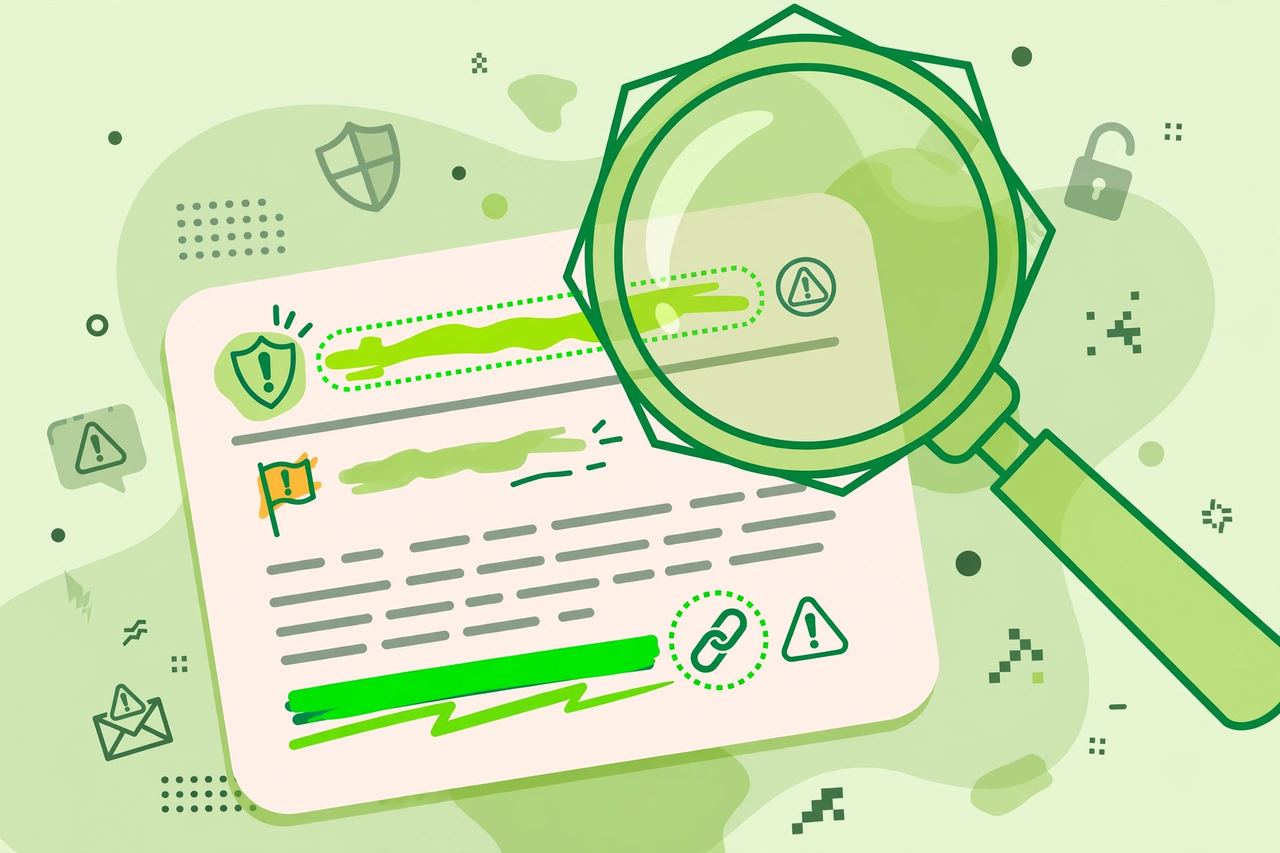
Most phishing attempts, even clever ones, leave fingerprints. Train yourself to notice these:
- The sender’s address is slightly off — paypa1.com instead of paypal.com, or a random Gmail pretending to be your bank.
- A generic greeting like “Dear Customer” instead of your name.
- Urgent or threatening language pushing you to act now.
- Links that don’t match — hover before you click; the real destination often has nothing to do with the text.
- Unexpected attachments, especially invoices, “receipts,” or zipped files you didn’t ask for.
- Requests for passwords, PINs, or verification codes — legitimate companies don’t ask for these by message.
- Too-good-to-be-true offers: surprise refunds, lottery wins, free phones.
- Slightly wrong branding — logos that look almost right but stretched, blurry, or in the wrong shade.
- Grammar and spelling mistakes (though AI-written phishes are getting scarily clean).
- A gut feeling that something is off. Seriously. That pause is your brain noticing something your eyes haven’t processed yet.
Real examples you’ll recognize
The “delivery failed” text is probably the most common phish in the world right now. It arrives, you panic about your order, you click, and the “tracking page” asks for your card to pay a $2 “redelivery fee.” That $2 is not the point — your card details are.
Another classic: the “copyright violation” DM on Instagram or the “your account will be deleted” email from a streaming service. Both push one button — fear of losing something — and both lead to fake login pages that harvest your credentials.
And the one that gets professionals: an email that looks like it’s from your boss or a client, asking you to urgently review an attached document or process a payment. Always verify through a separate channel before acting on these.
What to do if you clicked (don’t panic)
First: stop, breathe. Clicking alone usually isn’t the disaster — entering information is. Here’s your damage-control checklist:
- If you entered a password, change it immediately — on the real site, not through any link in the message. And change it anywhere else you reused it.
- If you entered card details, call your bank and freeze or replace the card.
- If you downloaded a file, run a full antivirus scan and don’t open the file.
- Turn on two-factor authentication on the affected account right away.
- Report the message: most email apps have a “report phishing” button, and you can forward texts to your carrier’s spam reporting number.
Then tell someone. Seriously — shame keeps phishing profitable. The faster people know about a circulating scam, the fewer victims it gets.
How to protect yourself going forward
Make phishing boring and unprofitable against you. Use a password manager — it won’t autofill your credentials on a fake lookalike domain, which is a surprisingly good safety net. Turn on two-factor authentication everywhere it matters, ideally with an authenticator app. Keep your software updated, because some phishes exploit old browser vulnerabilities. And build the habit that defeats 90% of attacks: when a message asks you to log in or pay, close it and go to the real site or app yourself. Type the address. Open the app. Never through the link.
Conclusion
Phishing works because it’s aimed at human nature, not software — and human nature isn’t getting a patch anytime soon. But you don’t need to be paranoid. You just need a pause: check the sender, hover the link, and go direct instead of clicking through. Learn the red flags once, and most phishing attempts will start looking as obvious as they actually are. Share this with someone who forwards every “urgent” message they get — they’ll thank you later.
Frequently Asked Questions
What is phishing in simple terms?
Phishing is when scammers pretend to be someone you trust — a bank, a delivery company, a friend — to trick you into giving them your passwords, card numbers, or other sensitive information. It usually arrives by email, text, or phone call and relies on urgency or fear to make you act fast.
How can I spot a phishing email quickly?
Check three things: the sender’s real address (not just the display name), the link destination (hover before clicking), and the tone (urgent threats or too-good-to-be-true offers). If any of those feel wrong, don’t engage — go to the real website directly instead.
What is the difference between phishing, smishing, and vishing?
They’re the same scam through different channels: phishing uses email, smishing uses SMS text messages, and vishing uses voice calls. Spear phishing is a targeted version aimed at one specific person using personal details to seem believable.
I clicked a phishing link but didn’t enter anything. Am I safe?
Probably, but don’t assume it. Close the page, don’t download anything it offered, and run an antivirus scan to be safe. The real danger starts when you enter credentials or download files — clicking alone rarely compromises you on a modern updated browser.
How do I report a phishing message?
In your email app, use the “report phishing” option on the message. For texts, forward them to your carrier’s spam number (in the US it’s 7726). You can also report to the company being impersonated and to national fraud reporting sites in your country.