
My mom called me in a panic last year. She’d found a website selling a designer bag — the one she’d been eyeing for months — at 80% off. She was one click away from entering her card details when something felt off and she called me instead. Good instinct. The site was three weeks old, had no address, no phone number, and the “reviews” were all posted on the same Tuesday.
She’s not careless. She’s just new to this. And honestly? The internet doesn’t make it easy to tell the good stores from the traps. So this guide is for her — and for anyone buying online for the first time: how to shop online safely, step by step, without needing a cybersecurity degree.
Start with stores you know
The simplest safety rule in online shopping: buy from retailers you recognize first. Big marketplaces, your favorite brand’s official site, well-known department stores — start there while you learn the ropes. Bookmark the real sites once you’re sure you have the right address, because typos are how people land on lookalike scam sites. (amaz0n-deals.com is not Amazon.)
As you get comfortable, you’ll branch out to smaller shops. That’s fine — just run them through the checks below first.
How to vet a store you’ve never heard of
Found something amazing on a site you’ve never seen? Do five minutes of homework before your wallet comes out.
Search the store’s name plus the word “reviews” or “scam.” Real businesses accumulate real customer feedback — on Google, Trustpilot, Reddit. No footprint at all? That’s a red flag, not a neutral signal.
Check the contact page. A legit business lists an email, a phone number, and a physical address. Copy that address into a map search — if it points to a parking lot or a random house, walk away.
Look at the domain age. Scam shops pop up, burn through victims, and vanish within weeks. Free “domain age checker” tools tell you when a site was registered. A store claiming “trusted since 2010” with a domain born last month is lying to you.
The checkout safety checklist
When you’re ready to pay, slow down for thirty seconds and run this list:
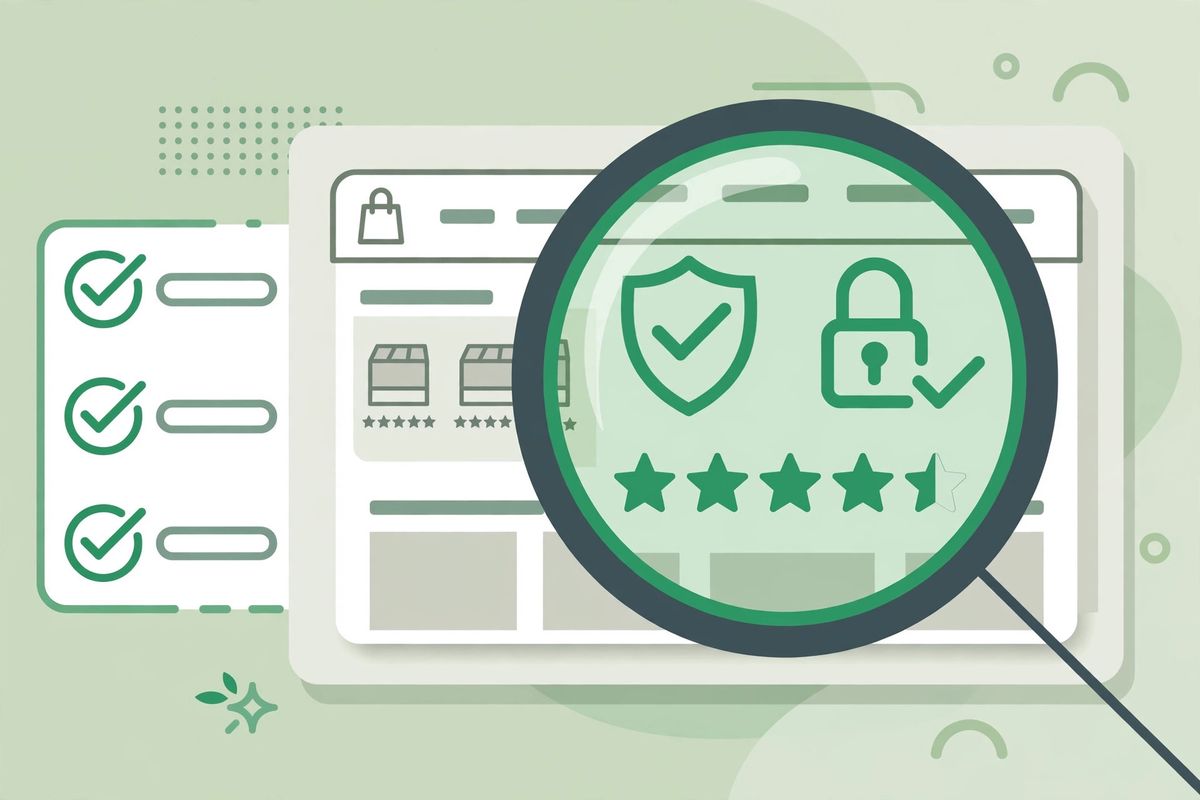
HTTPS and the padlock — the address bar should show https:// and a padlock icon on every page handling your info, especially checkout. No padlock, no purchase. Non-negotiable.
Payment options — legit stores take credit cards and established payment services, because those let you dispute charges. If a site only accepts wire transfers, gift cards, or crypto, your money is gone the second you send it. That’s not a payment method; that’s a trap door.
Too-good-to-be-true pricing — that 80%-off designer bag? Real luxury brands don’t do fire sales on random websites. Compare the price against the brand’s official store. If the discount is absurd and there’s no explanation, it’s bait.
Protect the account you create
Most stores ask you to make an account. Fine — but use a unique password (a passphrase of four random words works great), and if the store offers two-factor authentication, turn it on. Consider using a separate email alias for shopping accounts; many email providers let you create them free. Less spam, less exposure if the store ever gets breached.
And never, ever reuse your banking or primary email password on a shopping site. Ever.
What about buying through social media ads?
You’ve seen them — impossibly cheap gadgets and miracle products advertised on Instagram and TikTok. Some are legit small businesses. Many are not. The rule: never buy directly through the ad. Go to the store’s actual website yourself (type the address, don’t click), then run the vetting steps above. Those extra two minutes have saved me more than once — including from a “smart watch” that, per the reviews I found, never shipped to anyone.
After you buy: the boring stuff that matters
Save your order confirmation email until the item arrives. Check your card statement when the charge posts — scammers sometimes run small “test” charges before big ones. If something arrives wrong or not at all, contact the seller first and give them a few days, then file a dispute with your card provider if they ghost you. Credit cards give you real protection here; debit cards much less. One more reason to prefer credit for online purchases.
If something goes wrong
Ordered from a site that now looks shady? Act fast: contact your bank or card provider about disputing the charge, change the password if you made an account (and anywhere you reused it), and report the site — in the US to the FTC, in the UK to Action Fraud. Keep every email and screenshot. And don’t feel embarrassed — these sites fool millions of smart people every year. The only real mistake is staying quiet about it.
Conclusion
Safe online shopping isn’t about paranoia — it’s a short habit list. Known stores first. Vet the unknown ones. Check the padlock. Pay by credit card. It becomes automatic fast, and then you get the best of both worlds: the convenience of buying anything from your couch, without the anxiety. Now go forth and shop — safely.
Frequently Asked Questions
What’s the safest way to pay when shopping online?
Credit cards — they offer the strongest fraud protection and easiest chargebacks. Established payment services are next best. Never pay by wire transfer, gift cards, or crypto on an unfamiliar store; those payments can’t be reversed.
How do I know if a website is safe to buy from?
Check for HTTPS and a padlock, search the store name plus “reviews” or “scam,” verify the contact address on a map, and check the domain’s age. Pass all four and you’re in good shape. Fail even one and shop elsewhere.
Is it safe to shop on public Wi-Fi?
Not without protection — others on the network can snoop on unencrypted traffic. Use a reputable VPN, or better, wait until you’re on your home network or mobile data for actual purchases. Never enter card details on airport Wi-Fi unprotected.
Should I create an account on every store I buy from?
Only where you’ll shop again. Guest checkout is fine for one-offs and means less of your data stored around the internet. When you do create accounts, use a unique passphrase and turn on two-factor authentication if offered.
My order never arrived — what now?
Contact the seller first and give them a few days to respond. If they ghost you, file a dispute with your card provider — this is where paying by credit card pays off. Keep your confirmation emails and screenshots as evidence throughout.

